
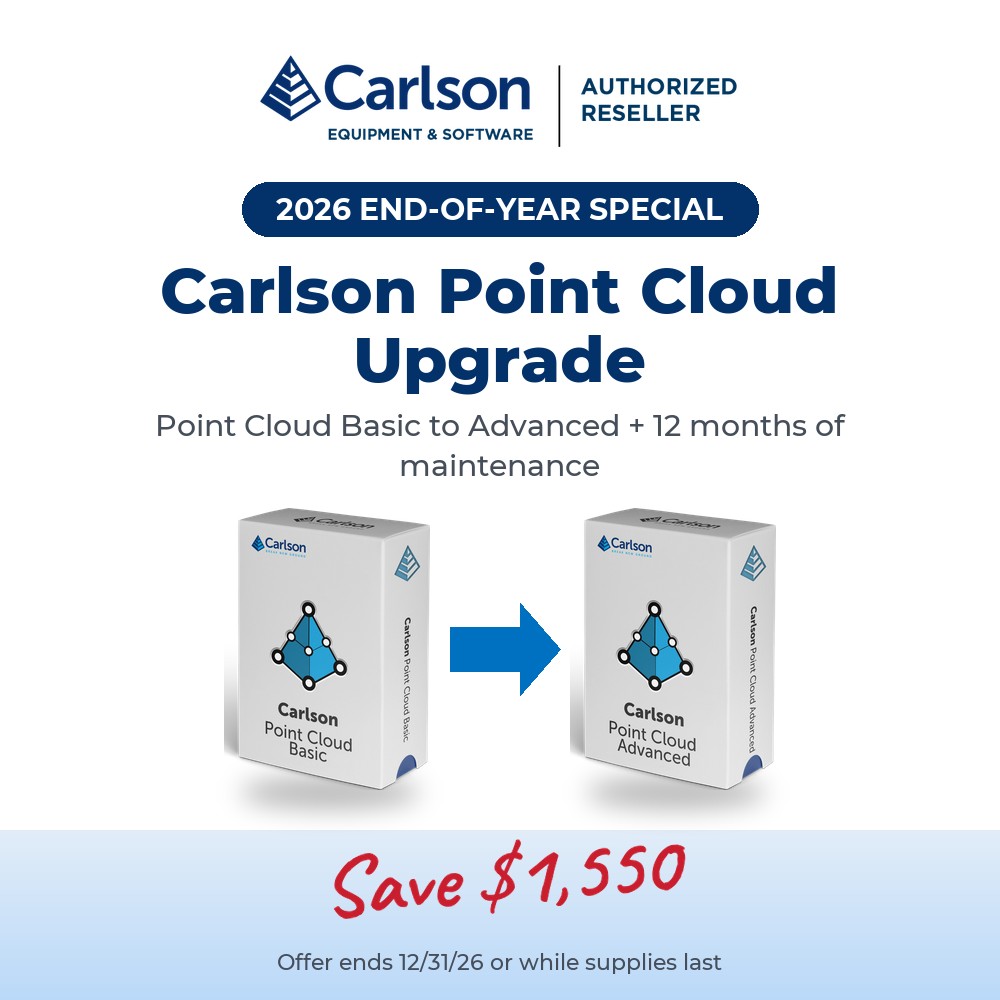
Carlson Point Cloud Upgrade EOY Special
Original price was: $4,500.00.$2,950.00Current price is: $2,950.00.
UPGRADE SPECIAL
Upgrade Carlson Point Cloud Basic to Point Cloud Advanced, with maintenance included for 12 months from purchase.
See Available Discounts in Cart
Description
Carlson Point Cloud is a modular program that provides this powerful ability to go from field scan to finished plat, all with seamless integration to Carlson Survey, Carlson Civil and Carlson Mining. Carlson Point Cloud delivers a whole new level of powerful automation for large data sets. It gives laser scanner users the ability to process millions of data points with Carlson Software ease-of-use.
Register your scan to local coordinates, filter or decimate the points, overlay raster images in 3D, snap to edges and code the descriptions for automated field-to finish processing of linework and symbols and create contours, profiles, sections, and breaklines. You will be able to read scan data from many instruments, view and process up to 1 billion points, and then perform the Field-to-Finish from the scanned data! This Carlson Software office products allows users to export surface models, points, contours, breaklines, grid and profiles to CAD.
All Carlson Software purchases will be delivered by email with your new serial number and download instructions within two business days.
Point Cloud 2027 adds vastly improved point cloud size capability, handling massively sized point clouds without over-taxing computer memory.
Enter your current Carlson Point Cloud Basic serial number above before adding to cart.
End-of-Year Special: offer expires 12/31/26 or while supplies last. Valid in the United States & Canada only. All pricing shown in USD.
New for 2027
Carlson 2027 brings new features and improvements to Carlson Point Cloud. Here are the highlights:
General
- Support for IntelliCAD 14.1 (IntelliCAD 13.1 still provided for legacy compatibility) and full support for AutoCAD® 2027
- New Label Style Library with its own editor, plus a “Capture Style” button to copy a style from any existing text
- Native CAD table support for line, curve and other tables, including cell merging and font/cell sizing
- Drawing Cleanup can now find and remove dead data links, proxy objects and duplicate block references, and run saved settings on multiple drawings in a batch
- Improved Carlson-to-Civil 3D export of points, styles and templates
- New “Carlson Support Page” assistant: ask documentation questions in plain language from inside CAD
Point Cloud
- Align/Register is now included at the Point Cloud Basic level
- Handles much larger point clouds without overtaxing computer memory, with a preview of the next-generation point cloud engine
- New pavement and concrete extraction routines, and smoother parking and paint line extraction
- Choose whether linework is drawn in 2D, 3D or both, and get intelligent point numbering that avoids CAD conflicts
- CRF transformation options when importing point clouds, and faster EPSG-based transformations
- Improved solid creation dialog and “Close Gaps” options for Poisson and SSSR solids
View the full Carlson 2027 Features and Improvements list (PDF)
Basic vs. Advanced
Upgrading from Carlson Point Cloud Basic to Point Cloud Advanced adds many valuable functions, including feature extraction as well as additional filters, transformations, and the creation of feature type points and solids.
Point Cloud Advanced feature extraction
- Parking lines
- Curbs
- Building outlines
- Paint stripes
- Sidewalks
- Powerlines
- Color edges
- New in 2027: pavement and concrete extraction
Included in both Basic and Advanced
- Register scans to local coordinates (Align/Register is included in Basic as of Carlson 2027), filter or decimate the points, and overlay raster images in 3D
- Snap to edges and code descriptions for automated field-to-finish processing of linework and symbols
- Create contours, profiles, sections, and breaklines from within the point cloud
- Export surface models, points, contours, breaklines, grids and profiles to CAD
Screenshots
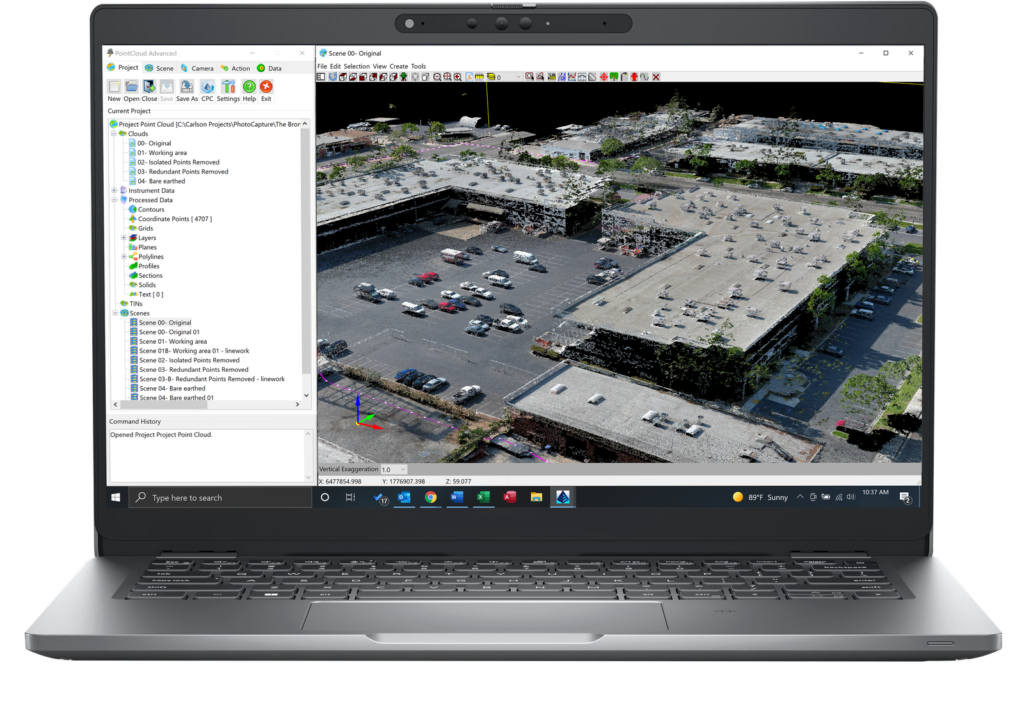
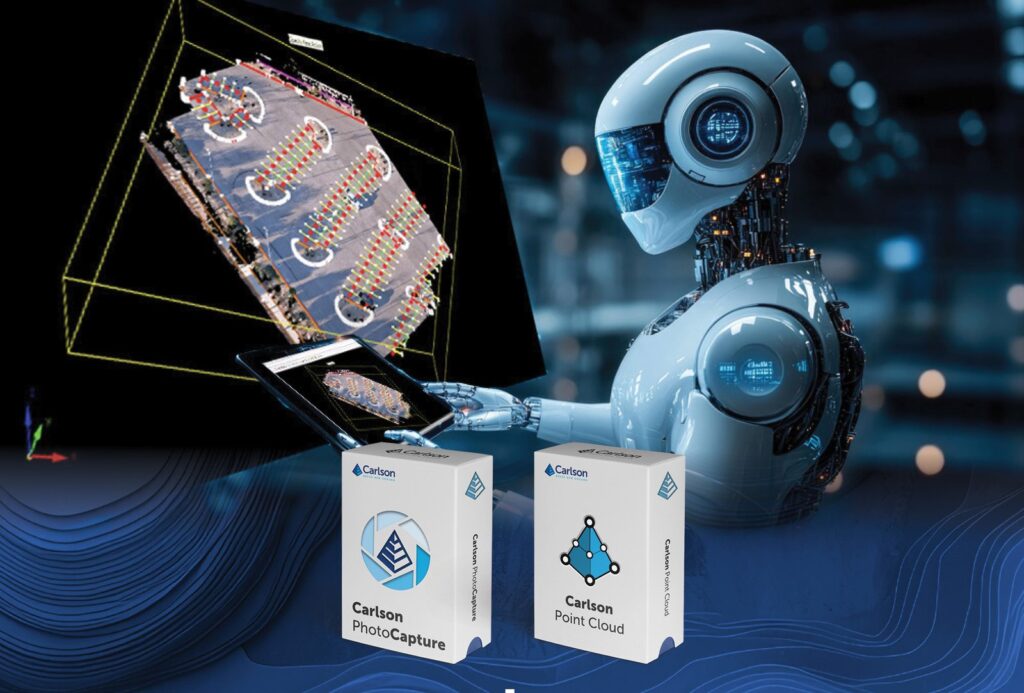
Carlson Point Cloud processes aerial and terrestrial scans, from drone, scanner or lidar, right in your Carlson CAD environment.
Videos
System Requirements
For Carlson’s CAD-based products
Carlson products installed on top of IntelliCAD or AutoCAD are subject to the same requirements as the CAD engine itself. Please follow the requirements for your CAD platform below and allow an additional 750 MB of hard-drive space for the Carlson application.
IntelliCAD (included)
Carlson 2027 runs on IntelliCAD 14.1, with IntelliCAD 13.1 also provided for legacy compatibility.
- Compatible with 64-bit Windows 8.1, 10 and 11
Hardware
Intel® i9, i7 or at least i5, AMD Ryzen 7/9, or comparable processors are recommended. Due to the variety of processors on the market, you can use cpubenchmark.net/cpu_list.php to compare them. While the overall processor score matters, single-thread performance is of the most interest.
- 64-bit Windows 8-11: 8 GB of RAM minimum, 16+ GB recommended
Graphics card compatible with OpenGL version 1.4 or higher:
- Discrete desktop-level graphics cards are recommended (not integrated graphics such as Intel HD)
- Nvidia is preferred due to more consistent driver support
- Discrete AMD cards are adequate, but AMD driver support has been spotty and users are often referred to the computer manufacturer for support
- High-end graphics cards are not required apart from demanding actions in Carlson Point Cloud. Gaming cards often provide better value than workstation cards, and more memory or a better CPU will generally help more than a high-end graphics card
Learn more about IntelliCAD.
Embedded AutoCAD® OEM engine
Carlson Survey OEM 2026 (AutoCAD 2026 embedded)
- 64-bit Microsoft® Windows 11 and 10
- Basic: 2.5-2.9 GHz processor with 8 logical cores; recommended: 3+ GHz processor
- 8 GB RAM (minimum), 16 GB (recommended)
- 10 GB free disk space for installation (SSD suggested)
- 1920 x 1080 monitor; resolutions up to 3840 x 2160 supported
- Display card with 2 GB GPU memory, 29 GB/s bandwidth and DirectX 11 compliance; 8 GB GPU memory with 106 GB/s bandwidth and DirectX 12 recommended
Carlson Takeoff R13 (AutoCAD 2022 embedded)
- 64-bit Microsoft® Windows 11 and 10
- Basic: 2.5-2.9 GHz processor; recommended: 3+ GHz processor
- 8 GB RAM (minimum), 16 GB (recommended)
- 10 GB free disk space for installation
- 1920 x 1080 monitor; resolutions up to 3840 x 2160 supported
- Display card with 1 GB GPU memory, 29 GB/s bandwidth and DirectX 11 compliance; 4 GB GPU memory with 106 GB/s bandwidth and DirectX 12 recommended
- Install from download
AutoCAD® purchased separately
Carlson 2027 is compatible with AutoCAD® 2027. Please see the AutoCAD system requirements for specifications, which are subject to change without advance notice. See above for the hard-disk space needed for the Carlson application.
PhotoCapture Standalone
| Hardware | Minimum | Recommended |
| CPU | Intel i9 / AMD Ryzen 7 | Intel i9 14th gen / AMD Ryzen 9 |
| CPU cores | 8 / 8 | 24 / 16 |
| CPU threads | 16 / 16 | 32 / 32 |
| RAM | 32 GB | 64 GB or more |
| NVMe SSD | 1 TB free | 2 TB or more free |
| Graphics card | Nvidia GeForce* | Nvidia GeForce* |
* PhotoCapture does not use the GPU, but Nvidia GeForce series cards are recommended for other Carlson Software products.
Free Support
Carlson Software Works For You
A customer’s relationship with Carlson Software goes beyond simply purchasing our software – with Regional Managers throughout the country, free technical support for life, and training options for any budget – we’ve got you covered!
Direct Technical Support
- Hours: Monday – Friday, 8:00 AM – 6:00 PM (EST)
- E-mail: moc.wsnoslrac@troppus
- Problems/Suggestions: Send in a report
- Telephone: 606-564-5028
- Fax: 606-564-6422